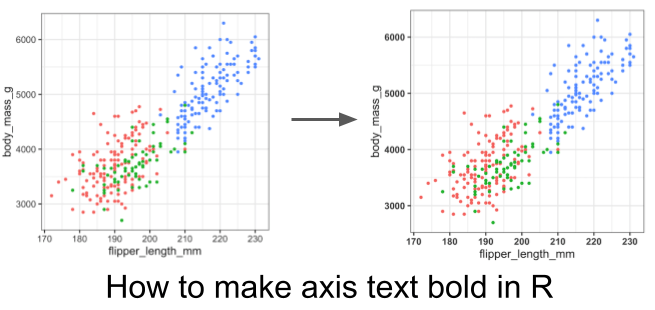
In this tutorial, we will learn how to make the axis text bold in a plot made with ggplot2 in R. Axis text in a plot refers to the text annotating the tick marks on x and y-axis. By default the axis text around tick marks are not in bold font and here we will make the axis text bold font using ggplot2’s theme element element_text().
Loading Data
First, let us load tidyverse and palmer penguin dataset to make plots using ggplot2.
library(tidyverse)
library(palmerpenguins)
theme_set(theme_bw(16))
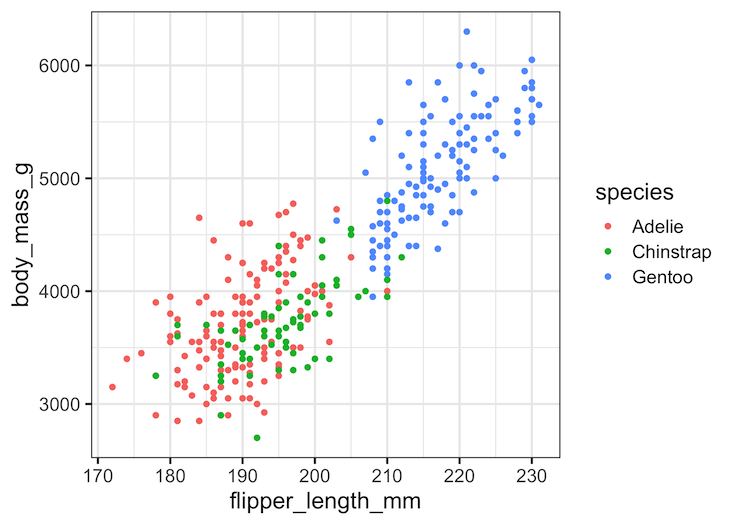
A plot with default axis text in ggplot2
Let us make a scatter plot using Palmer penguin data set to see how axis text looks like by default with ggplot2.
penguins %>%
  drop_na() %>%
  ggplot(aes(x = flipper_length_mm,
             y = body_mass_g,
             color = species)) +
   geom_point()
ggsave("simple_ggplot.png")
How to Make Axis Text Bold Font: element_text in ggplot2
We can make axis text, text annotating x and y axis tick marks, bold font using theme() function. Here we specify axis.text argument to make both x and y-axis text bold using element_text() function. We can make the axis text font bold by using face=”bold” argument to element_text() function.
penguins %>%
  drop_na() %>%
  ggplot(aes(x = flipper_length_mm,
             y = body_mass_g,
             color = species)) +
   geom_point() +
  theme(axis.text = element_text(face="bold"))
ggsave("bold_axis_text_with_element_text_ggplot2.png")
Note now the both x and y-axis text are in bold font and more clearly visible than the default axis text.
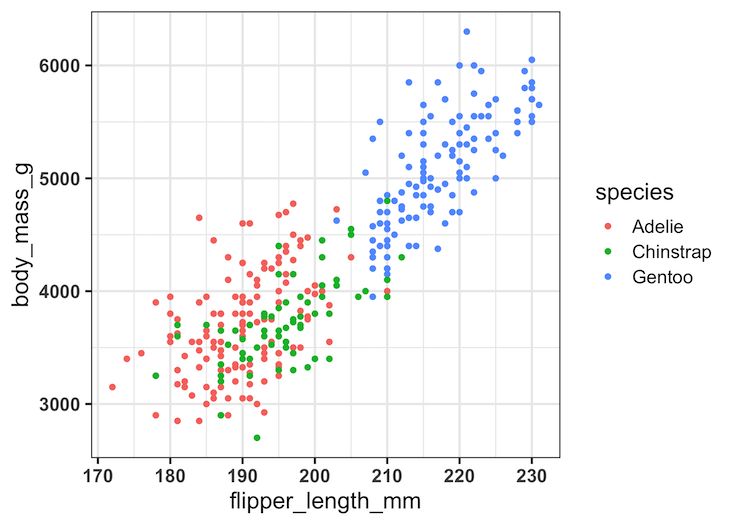
One can also make the axis text on one of the axes selectively. For example, by using axis.text.x = element_text(face=”bold”) we can make x-axis text bold font. Similarly, by using axis.text.y = element_text(face=”bold”), we can make y-axis text bold font.
Explore the Complete ggplot2 Guide
35+ tutorials with code: scatterplots, boxplots, themes, annotations, facets, and more—tested and beginner-friendly.
Visit the ggplot2 Hub → No fluff—just code and visuals.